
On this page
Canva has become one of the most popular design tools in the world. For many store owners, it feels like the easiest way to create a website without touching code.
But when it comes to ecommerce, Canva templates often create confusion.
Some templates look like stores.
Some claim to be “websites.”
Very few actually help you sell.
In this guide, I’ll break down which Canva website templates work for ecommerce, which ones don’t, and how smart brands use Canva + Shopify together using Canvify.
What Are Canva Website Templates?
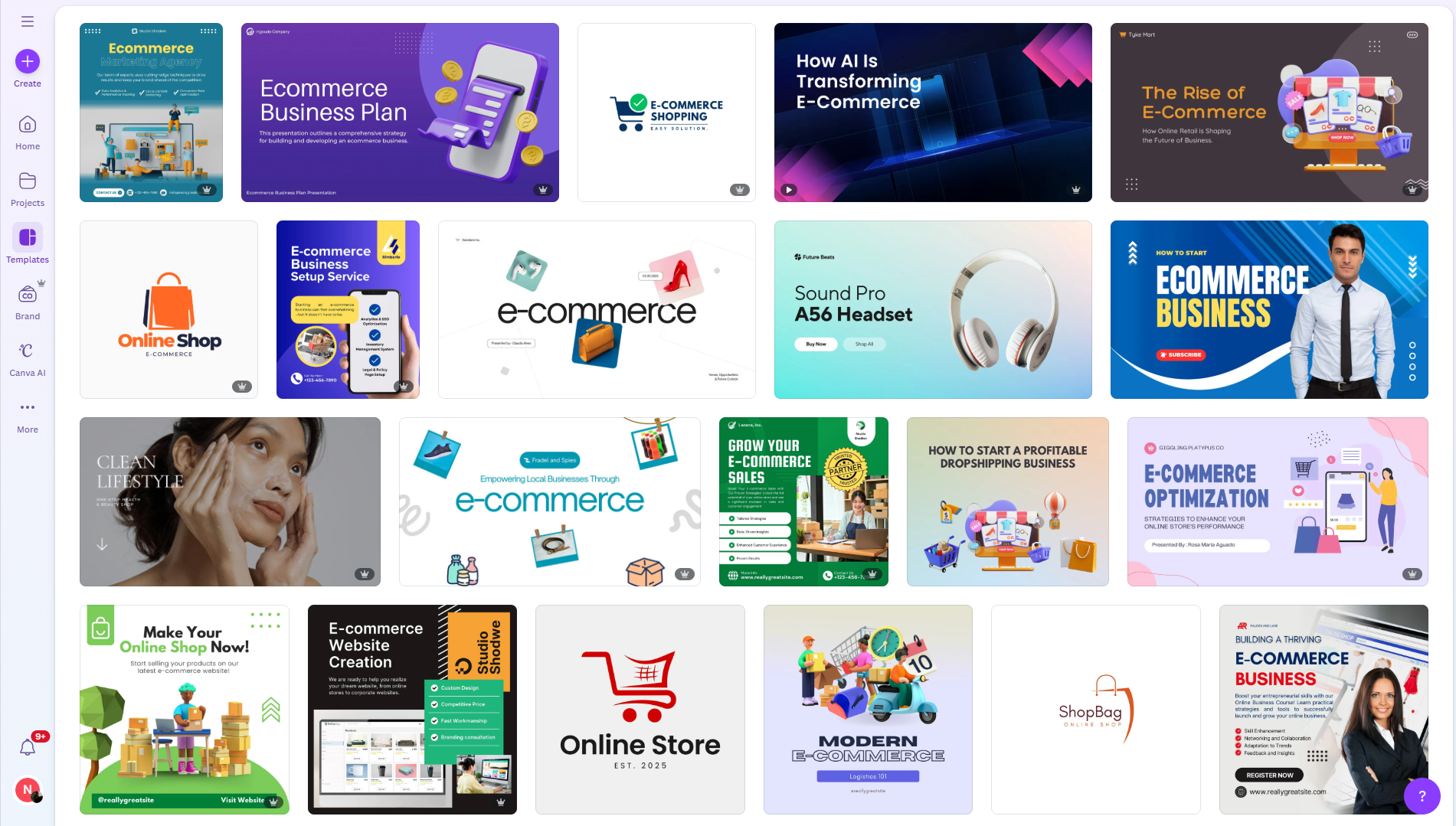
Canva website templates are visual page layouts designed for online publishing. They let you create scrolling pages with text, images, buttons, and links.
You can publish them as:
- A Canva-hosted website
- A custom domain connected to Canva
They are great for presentation and marketing, but they are not ecommerce stores by default. This distinction matters.
What Canva Website Templates Are Good At
Canva templates work extremely well for the front-facing part of ecommerce.
Here’s where they shine.
Marketing and Campaign Pages
Canva templates are perfect for:
- Product launch pages
- Black Friday or Cyber Monday campaigns
- Seasonal sales pages
- Influencer landing pages
You can design bold layouts quickly and publish them without developers.
Brand Storytelling Pages
Many ecommerce brands use Canva templates for:
- About Us pages
- Brand mission pages
- Sustainability or values pages
These pages build trust and improve conversions, even if they don’t handle checkout.
Pre-Launch and Waitlist Pages
If you’re launching a product soon, Canva templates are ideal for:
- Coming soon pages
- Email signup pages
- Early access announcements
They load fast and look polished.
What Canva Website Templates Cannot Do Alone
This is where most ecommerce beginners get stuck.
Canva templates do not include ecommerce logic.
They cannot:
- Add products to a cart
- Process payments
- Manage inventory
- Track orders
- Handle taxes or shipping
- Support SEO at scale
You can link buttons to external pages, but Canva itself does not become a store.
That’s why Canva alone is not enough for ecommerce.
Common Workarounds People Use with Canva
Some sellers still use Canva websites creatively.
Here’s how.
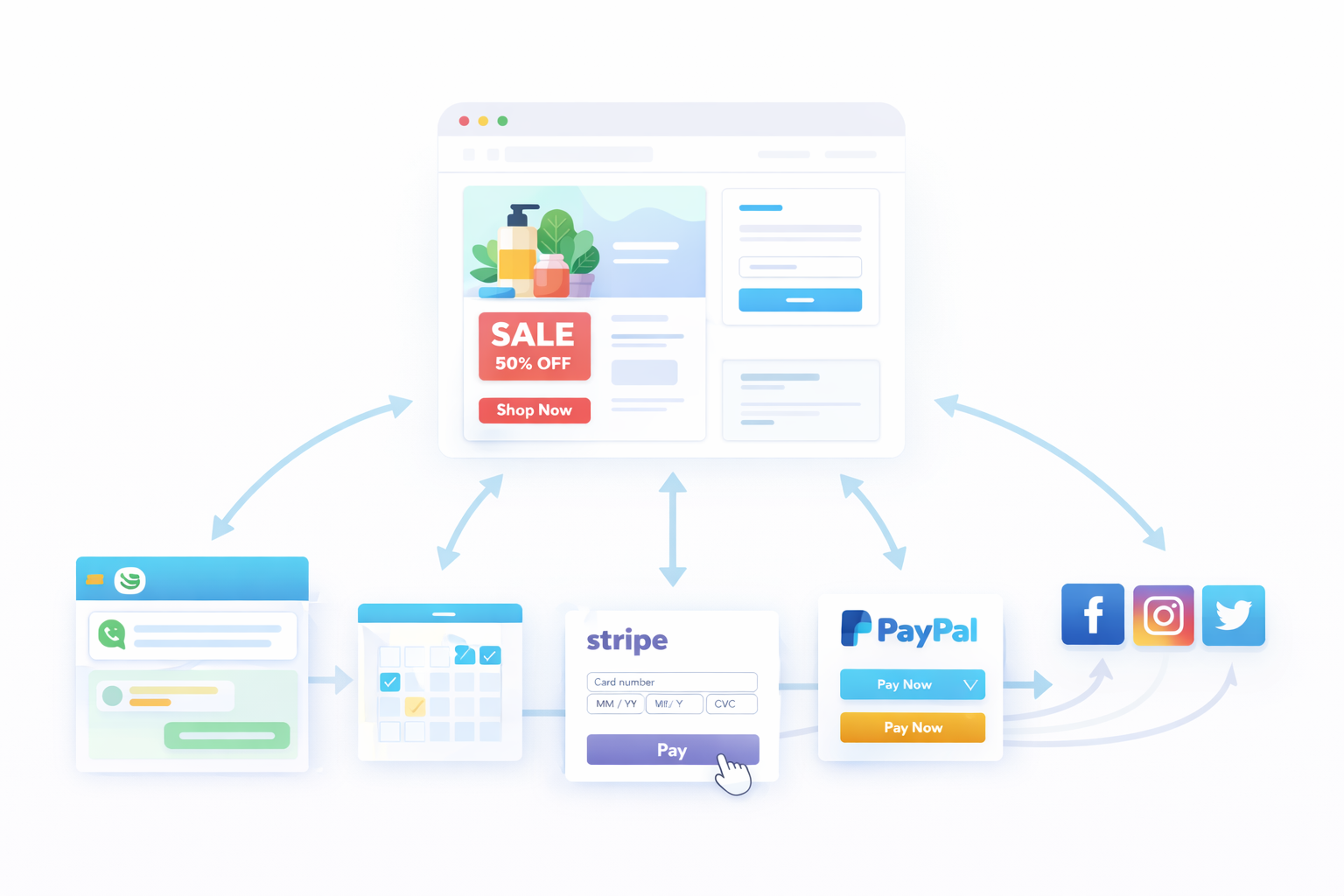
External Checkout Links
You can link Canva buttons to:
- Stripe payment links
- PayPal checkout pages
- Gumroad product pages
This works for single-product sales, but it doesn’t scale well.
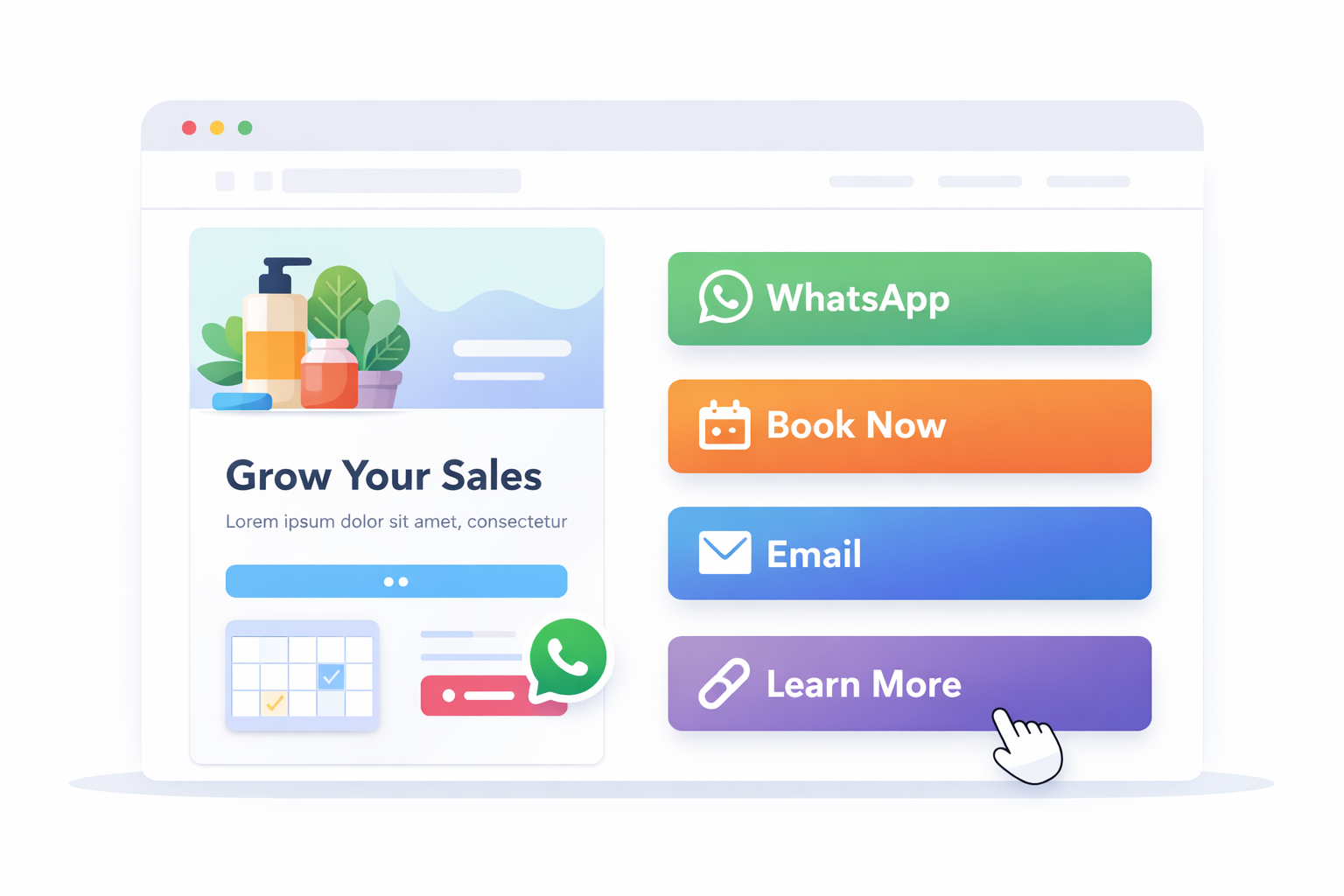
Messaging-Based Selling
Many creators link Canva websites to:
- WhatsApp chat
- Instagram DMs
- Email inquiries
This works for service businesses or high-ticket items, not for automated ecommerce.
Booking-Based Businesses
Canva templates work well for:
- Appointments
- Coaching
- Local services
But again, this is not product-based ecommerce.
The Missing Piece: Ecommerce Infrastructure
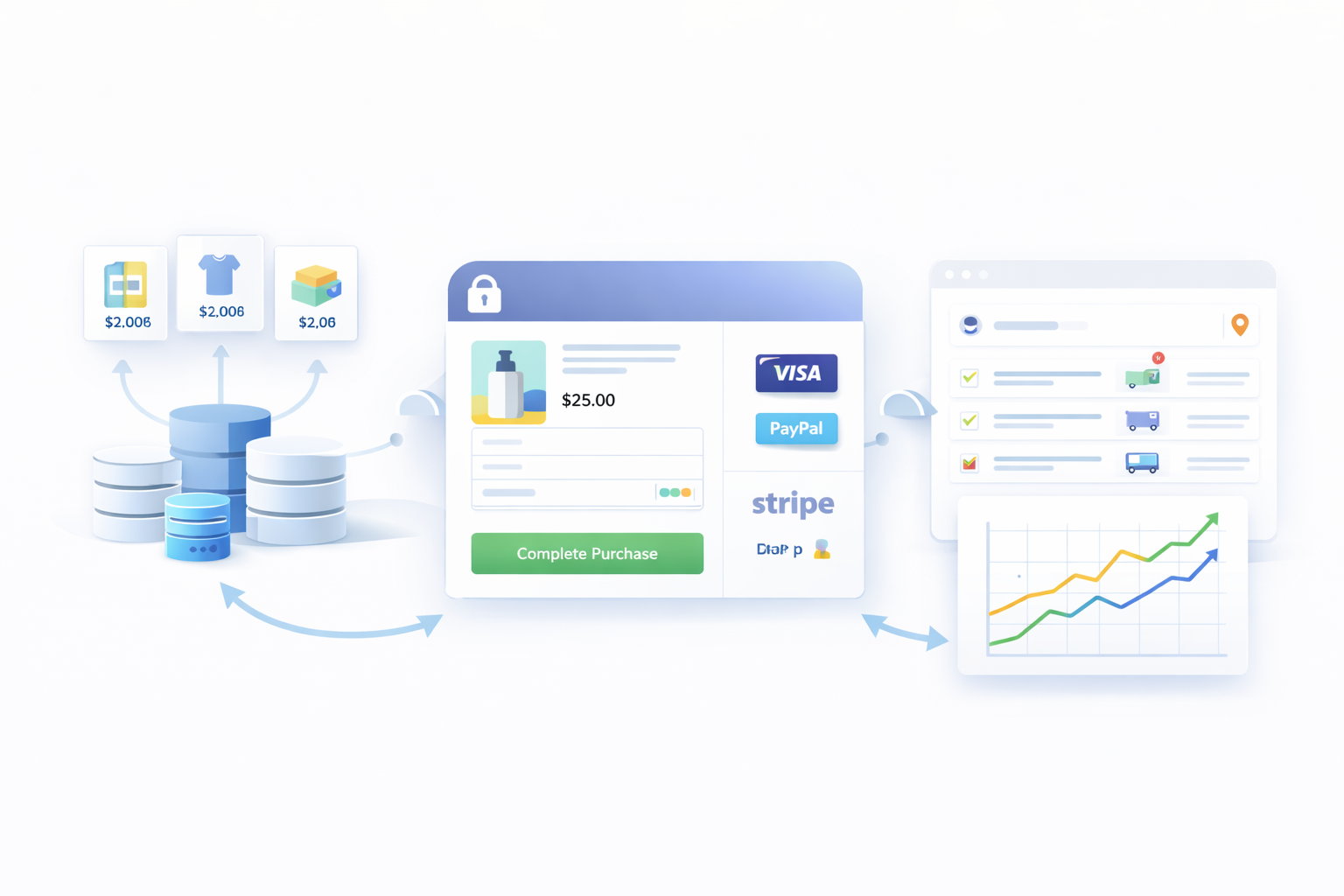
Real ecommerce requires more than design.
A proper ecommerce setup needs:
- Secure checkout
- Product management
- Inventory control
- Order tracking
- Payment gateways
- SEO-friendly structure
This is where Shopify comes in.
Shopify handles everything Canva doesn’t.
Why Shopify Is Still Essential for Ecommerce
Shopify is built specifically for selling.
It gives you:
- Product listings
- Variants and pricing
- Checkout and payments
- Shipping and taxes
- Order management
- SEO foundations
But Shopify themes can feel limiting if you want full design freedom.
That’s why the best brands don’t choose Canva or Shopify.
They use both.
How Canva and Shopify Work Together with Canvify
This is where Canvify fits into the picture.
Canvify lets you:
- Design pages in Canva
- Import them directly into Shopify
- Publish them as native Shopify pages
No code. No page builders. No broken layouts.
You design visually in Canva, and Shopify handles the ecommerce logic.
You can learn how this works step by step in the official documentation.
What Types of Canva Templates Work Best for Ecommerce with Canvify
Not all Canva templates are equal.
These formats work best when paired with Shopify.
Landing Page Templates
Perfect for:
- Sales campaigns
- Collection highlights
- Featured product launches
You can connect buttons to:
- Add to Cart links
- Buy Now checkout links
Canvify helps generate these links directly inside Shopify.
Homepage Sections
Many stores use Canva-designed:
- Hero sections
- Promotional banners
- Featured collections
These can sit on top of your Shopify theme without replacing it.
Product Education Pages
Use Canva to design:
- Product comparison pages
- Ingredient or feature breakdowns
- How-it-works pages
Then embed them into Shopify using Canvify.
Ready-Made Ecommerce Templates from Canvify
If you don’t want to start from scratch, Canvify provides ecommerce-ready templates designed specifically for Shopify.
These templates are:
- Optimized for conversions
- Structured for ecommerce flows
- Fully editable in Canva
- Designed to work inside Shopify
They save hours of design and setup time.
When to Use Canva Templates Instead of Shopify Themes
Use Canva templates when:
- You want more creative freedom
- You’re running campaigns or promotions
- You want custom layouts Shopify themes don’t offer
Use Shopify themes when:
- You need core store structure
- You want fast setup
- You rely on default product layouts
With Canvify, you don’t have to choose.
You can layer Canva designs on top of Shopify themes.
| Page approach | Page types | Design freedom | Commerce features | Store-wide structure | Setup speed | Maintenance | Best use |
|---|---|---|---|---|---|---|---|
| Canva template via Canvify | Campaigns, launches, stories, and product education | High visual freedom in Canva | Connected to Shopify products and checkout | Complements the existing Shopify theme | Fast when adapting a prepared template | Edit in Canva, republish, and update the Shopify page | Distinctive marketing and landing pages |
| Shopify theme | Home, collection, product, cart, and core store templates | Controlled by theme sections and settings | Native Shopify store features | Provides the store-wide foundation | Fast for standard store layouts | Managed through the theme editor and theme updates | Navigation and repeatable core commerce pages |
SEO Considerations for Canva-Based Ecommerce Pages
SEO matters.
When you publish Canva designs through Canvify:
- Pages become part of your Shopify site
- URLs are indexable
- Metadata can be managed inside Shopify
This makes them far better for SEO than Canva-hosted websites.
You can also support these pages with content from the Canvify blog.
Real-World Use Case Example
A typical flow looks like this:
- Design a sales page in Canva
- Import it into Shopify with Canvify
- Link buttons to Shopify checkout
- Drive traffic from ads or social media
This setup gives you:
- Visual flexibility
- Ecommerce reliability
- Faster campaign launches
Installing Canvify on Shopify
Canvify is available directly on the Shopify App Store
Once installed, it connects your Shopify store with Canva and handles publishing automatically.
Final Thoughts
Canva website templates are powerful, but only when used correctly.
On their own, they’re marketing pages.
With Shopify, they become part of a real store.
With Canvify, they finally connect the two worlds.
If you want design freedom without breaking ecommerce fundamentals, this setup is one of the smartest ways to build modern Shopify stores.
Frequently Asked Questions
Can I build a full ecommerce store using only Canva?
No. Canva can create visual websites and landing pages, but it does not provide the complete catalog, cart, secure checkout, payment, inventory, tax, shipping, and order-management systems of an ecommerce platform. Pair it with Shopify when those capabilities are required.
Can I sell products using Canva templates?
Yes, when the template is connected to an ecommerce platform. With Canvify, a Canva design can be published inside Shopify and its calls to action can point to real Shopify products, carts, or checkout destinations.
Are Canva website templates good for Shopify stores?
Yes, when used for the right pages. Strong uses include:
- Campaign and product-launch landing pages
- Custom homepage sections
- Brand-story and collection pages
- Landing pages for email, advertising, and social traffic
These pages should complement the Shopify theme rather than replace essential store functionality.
Does Canvify replace Shopify themes?
No. The Shopify theme remains the foundation for navigation, product templates, checkout, and the wider store experience. Canvify adds Canva-designed pages or sections alongside that foundation.
Is coding required to use Canva, Shopify, and Canvify together?
No coding is required for the workflow described here. Canva supplies a visual editor, Shopify provides theme settings and commerce tools, and Canvify handles publishing the Canva design into Shopify.
When should I use Canva for ecommerce instead of a Shopify page builder?
Use Canva when rapid visual storytelling, campaign design, or brand consistency is the priority. Keep core catalog, product, cart, and checkout experiences in Shopify, and evaluate a page builder separately when you need deeper theme-native layout control.